Andy DixonandClaude Opus 5.5
0d45ecea59
Andy DixonandClaude Opus 5.5
0d45ecea59
rm -r FOLDER deletes a folder and everything under it, records and
objects, so the space is freed. It lists what will go (the first 20
names, then a count) with the total size and asks on the terminal; no
answer or no terminal deletes nothing. -f skips the question and makes a
missing name a no-op, -rf and -fr combine them, and rm -r / is refused.
Objects still in use are worked out once per delete, not once per file.

ls now shows one level, like ls(1): sub-folders once with a trailing
slash, their total size and newest date, then the files, with names
relative to the folder. list keeps the recursive listing of full names
that scripts pipe through cut -c31-, and ls -r is the same.

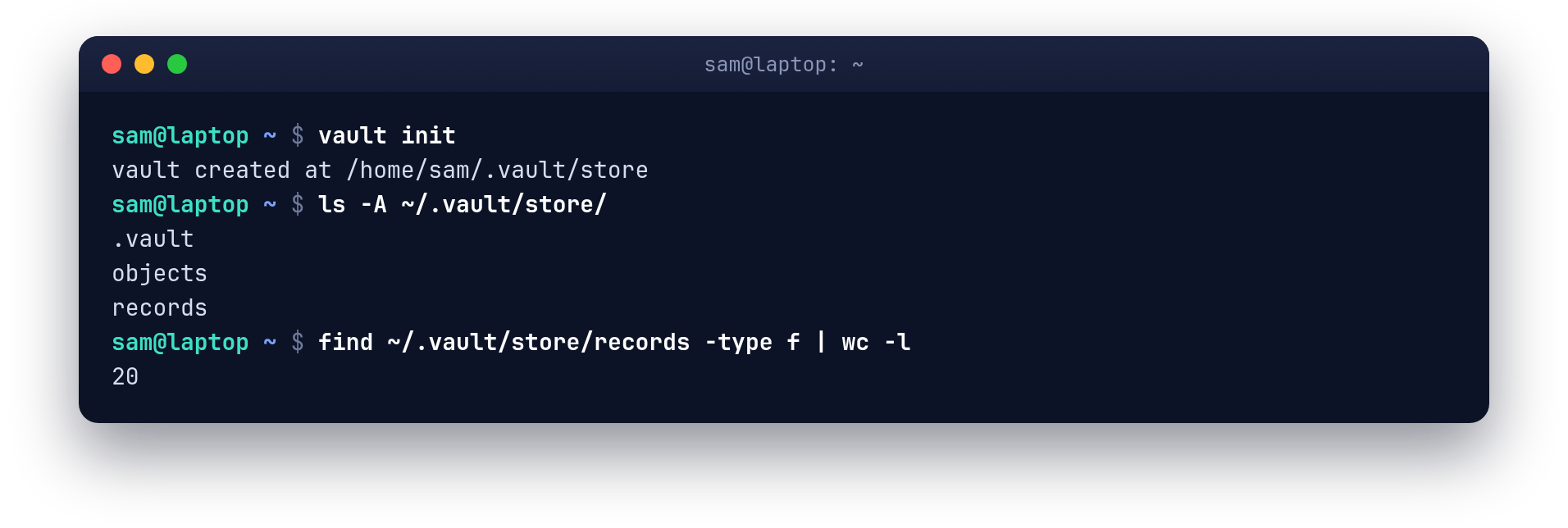
Docs, man pages, the guide (new rm-r screenshot) and README follow.

Co-Authored-By: Claude Opus 5.5 <noreply@anthropic.com>
89 KiB
1912x644px
89 KiB
1912x644px